
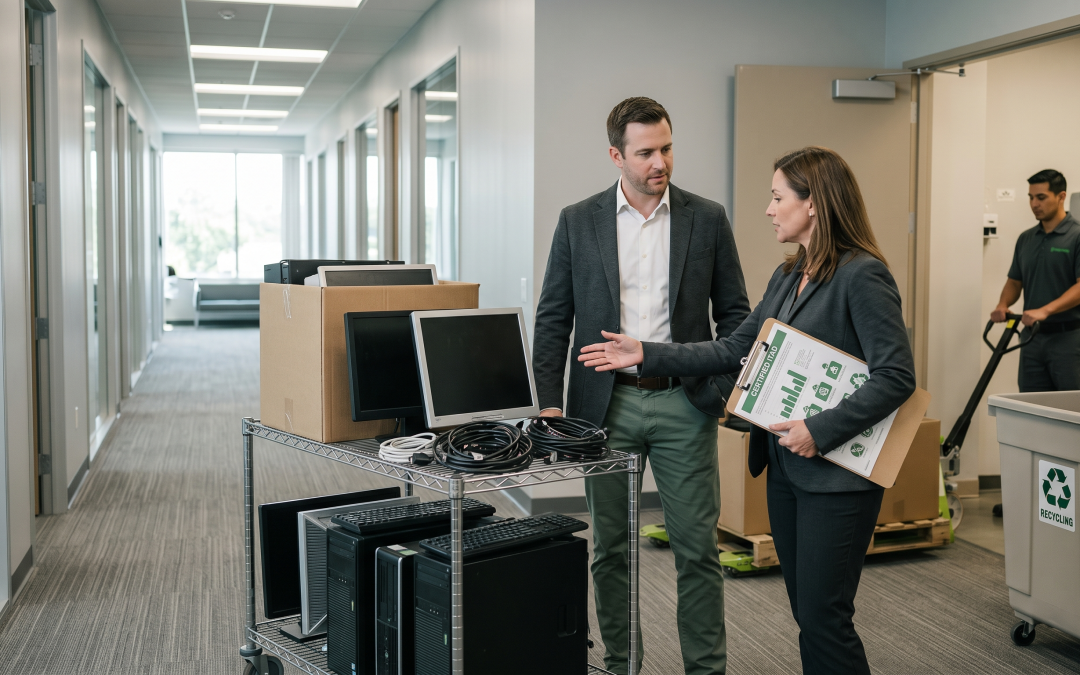
Property managers regularly deal with IT equipment left behind by tenants, abandoned in common areas, or requiring disposal as part of building upgrades. Whether you manage commercial office buildings, retail centres, or industrial properties, understanding how to handle tenant IT equipment at end of life protects both you and your tenants from data security risks and environmental liability.
The Property Manager’s ITAD Challenge
Unlike most organisations that dispose of their own equipment, property managers often find themselves dealing with equipment that belongs to someone else. Tenants vacate premises and leave equipment behind. Building refurbishments require the removal of integrated technology. Common-area equipment like lobby screens, security systems, and building management controllers reach end of life. Each scenario brings different obligations and considerations.
The core challenge is that property managers are not typically IT specialists, but they are the ones who end up responsible for equipment that needs proper handling. Understanding the basics of IT asset disposition helps you manage these situations professionally and avoid liability.
Tenant Departure and Abandoned Equipment
The most common ITAD scenario for property managers involves equipment left behind when tenants vacate. Lease agreements should clearly address this, but in practice many do not, or the provisions are vague.
Your lease agreement should specify that tenants are responsible for removing all equipment, including IT assets, before the lease expiry date. It should define what happens to equipment left behind after a specified period, typically treating it as abandoned property that the landlord can dispose of. It should also address who bears the cost of disposal if the tenant fails to remove equipment.
When tenants do leave equipment behind, document everything before touching it. Photograph the equipment in situ, record serial numbers where visible, and note the condition. This documentation protects you if the tenant later claims the equipment was damaged or missing.
Be cautious about data on abandoned equipment. Even though the tenant has left, the data on their devices may still be their property and may contain personal information of their staff, customers, or clients. Do not attempt to access, use, or sell the equipment without first addressing the data issue. Engage a certified ITAD provider who can perform proper data destruction before any remarketing or recycling.
Building Technology and Integrated Systems
Modern commercial buildings contain substantial amounts of technology that the property manager or building owner is responsible for. Building management systems (BMS), security and access control systems, CCTV, fire detection and alarm systems, lift control systems, car park management, and digital signage all include electronic components that need proper disposal at end of life.
Many of these systems contain data that may be sensitive. CCTV footage captures images of people entering and using the building. Access control systems store personal details and movement data of tenants and visitors. Building management systems may connect to wider networks. Treat these systems with the same data security rigour as any other IT equipment.
When upgrading building technology, ensure the disposal of old systems is included in the project scope and budget. It is common for technology upgrade projects to focus entirely on the new installation and overlook the proper disposal of the equipment being replaced. Include ITAD requirements in the scope of work for any contractor performing the upgrade.
Multi-Tenant Considerations
In multi-tenant buildings, shared IT infrastructure adds complexity. Common-area Wi-Fi, shared internet connections, building-wide security systems, and shared meeting room technology may be used by multiple tenants. When this infrastructure is refreshed, ensure that data from all tenants is properly destroyed.
If tenants share IT infrastructure that the building provides, your service agreements should address what happens to data when the infrastructure is decommissioned. Tenants need assurance that their data will be handled properly, and you need to be able to demonstrate that you have met that commitment.
Environmental Compliance
Victoria’s e-waste landfill ban applies to all electronic waste, including building technology. As the property manager or building owner, you are responsible for ensuring that electronic waste from your buildings is disposed of through compliant channels. This includes both building infrastructure equipment and any tenant equipment you end up disposing of.
Work with a certified ITAD provider or e-waste recycler who can handle the diverse range of equipment found in commercial buildings. Not all recyclers can process every type of equipment, so ensure your provider can handle everything from standard IT equipment to specialised building technology components.
Maintain environmental compliance documentation for all disposals. As building sustainability reporting becomes more common, having clear records of responsible e-waste management supports your building’s environmental credentials and can contribute to green building certifications.
Cost Management and Recovery
ITAD costs for property managers can be managed through several approaches. For tenant equipment, the cost should ultimately be borne by the tenant, either through direct billing or by drawing on the bond or security deposit. Your lease agreement should provide for this.
For building infrastructure, include ITAD costs in the capital budget for technology upgrades. When budgeting for a new BMS or security system, include a line item for the disposal of the old system. This avoids the common situation where disposal becomes an unbudgeted cost that gets deferred indefinitely, resulting in obsolete equipment accumulating in plant rooms and risers.
Some building technology has residual value. Networking equipment, servers, and UPS systems in good condition can generate returns through remarketing. Even equipment with no resale value has material recovery value through recycling. Work with your ITAD provider to understand the value recovery potential of your building’s technology assets.
Practical Logistics
Disposing of IT equipment from commercial buildings involves practical logistics that property managers need to plan for. Large equipment may need to be moved through tenant spaces, lobbies, or loading docks, which requires coordination with building operations and potentially tenant notification.
Schedule disposals to minimise disruption. After-hours or weekend collections avoid impacting tenant operations. Ensure the ITAD provider’s vehicles can access the building’s loading area and that there is adequate space for staging equipment before collection.
For high-rise buildings, plan the vertical movement of equipment. Lifts may need to be booked for freight use. Heavy equipment like UPS batteries or server racks may require specialised handling. Coordinate with your building’s facilities team to ensure safe and efficient equipment movement.
EWV handles IT asset disposition (ITAD) end-to-end for Victorian businesses — from collection and data destruction through to certified recycling or refurbishment for resale. Get in touch for a tailored ITAD quote.