
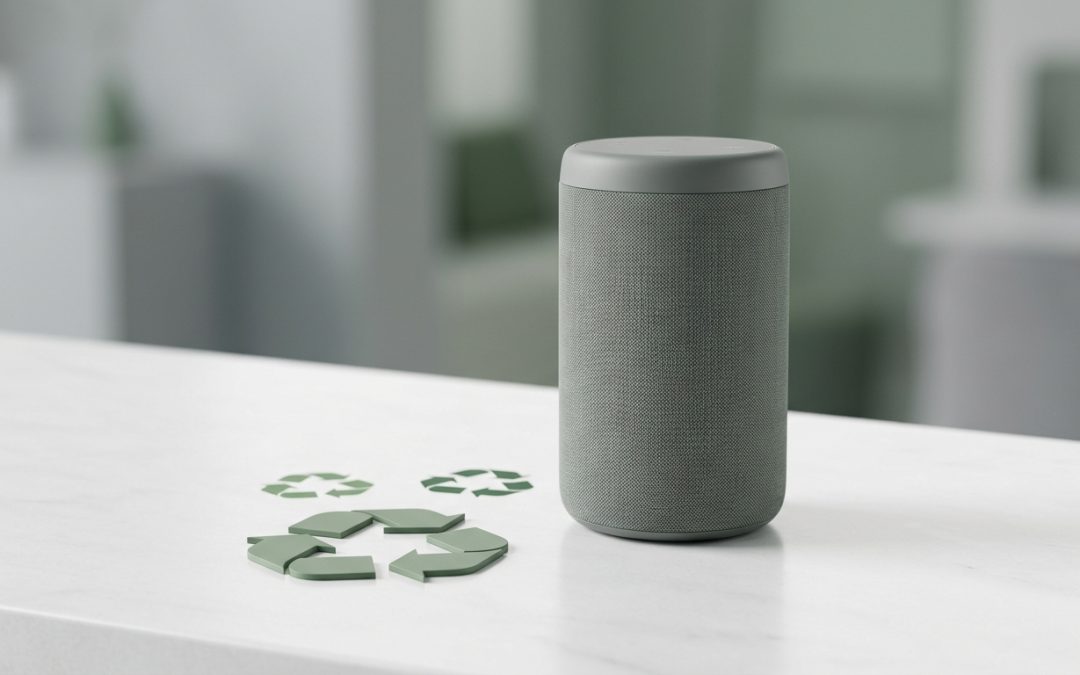
Smart Speakers Hold More Data Than You’d Expect
Amazon Echo, Google Home (now Nest), Apple HomePod, and other smart speakers have become household fixtures in millions of Australian homes. But when you upgrade, switch ecosystems, or simply decide you don’t want a device listening in your home anymore, disposing of these devices requires more thought than unplugging and recycling. Smart speakers are deeply connected to your digital life, and proper data removal is essential before they leave your possession.
What Data Lives on a Smart Speaker
Smart speakers store and transmit more information than their simple appearance suggests:
Your WiFi credentials. The speaker connects to your home network and stores your WiFi password. Anyone who accesses the device’s configuration can obtain this information.
Account links. Your Amazon, Google, or Apple account is connected to the device, potentially giving access to your music subscriptions, shopping history, smart home controls, calendar, contacts, and more.
Voice recordings. Depending on your settings, your voice assistant may have stored recordings of your voice commands in the cloud. While these aren’t on the device itself, the account link means the next owner could potentially access your account if the device isn’t properly deregistered.
Smart home configuration. If you use the speaker to control smart home devices (lights, locks, thermostats, cameras), the device knows your smart home setup and may have access to control these devices.
Bluetooth pairings. Paired phones and other devices are remembered by the speaker.
How to Wipe Each Platform
Amazon Echo devices: Open the Alexa app, go to Devices, select the Echo device, and choose “Deregister.” This removes the device from your Amazon account. Then factory reset the device itself by holding the Action button for 20-25 seconds until the light ring turns orange. Also consider deleting your voice history through the Alexa Privacy settings in the app.
Google Nest/Home devices: Open the Google Home app, select the device, tap Settings, then “Remove device.” This unlinks it from your Google account. The device can also be factory reset by pressing and holding the physical button on the back for 15 seconds (exact method varies by model). Check Google’s activity controls to review and delete stored voice data.
Apple HomePod: Open the Home app on your iPhone, long-press the HomePod, scroll down to “Remove Accessory.” This removes it from your Apple account and resets it. If you don’t have access to the Home app, press and hold the top of the HomePod until you hear three beeps, then release. Siri will confirm the reset.
Selling or Giving Away
Smart speakers hold their value reasonably well if they’re current or recent models. After properly deregistering and resetting:
Current-generation devices sell well on Facebook Marketplace and Gumtree. Include the power adapter and mention that the device has been factory reset. Buyers appreciate knowing it’s ready for fresh setup.
Older generation devices have less resale value but can still find homes. Many people use older smart speakers in secondary rooms (bathroom, kitchen, garage) where they don’t need the latest features. List them at a modest price or give them away through free-stuff groups.
Donate to aged care or community organisations. Smart speakers can be valuable assistive tools for elderly or disabled people, providing hands-free access to timers, reminders, music, and communication. Some community organisations welcome donated smart speakers for this purpose.
Recycling
If the device is non-functional or too old to be useful, recycle it as e-waste. Smart speakers contain circuit boards, speakers (with magnets and copper coils), microphones, power components, and plastic housings. All of these materials should go through proper recycling rather than landfill.
Council e-waste collection points accept smart speakers as standard electronics. Retailer drop-off points like Officeworks accept small electronics. Manufacturer programs may accept returns: Amazon has a device recycling program, and Apple accepts all Apple products for recycling through their trade-in program.
Don’t forget the power adapter. These brick-style adapters contain transformers and electronic components and should be recycled as e-waste, not binned.
A Note on Privacy After Disposal
Even after deregistering and resetting your smart speaker, take the opportunity to review your voice assistant’s stored data through your account settings. Amazon, Google, and Apple all provide options to view and delete stored voice recordings. If you’ve been using a voice assistant for years, there could be thousands of recordings in your account. Disposing of the physical device is a good prompt to audit and clean up this data regardless of where the speaker ends up.
Smart speakers are convenient devices that integrate deeply into your digital life. That deep integration means that proper deregistration and data clearing is more important here than with most other consumer electronics. Take the five minutes to do it properly, and your old smart speaker can safely move on to its next life, whether that’s with a new owner or at a recycling facility.
EWV helps Victorian businesses manage e-waste and IT asset disposal compliantly and sustainably — including collection, certified data destruction, and recycling. Contact us for a free quote.