
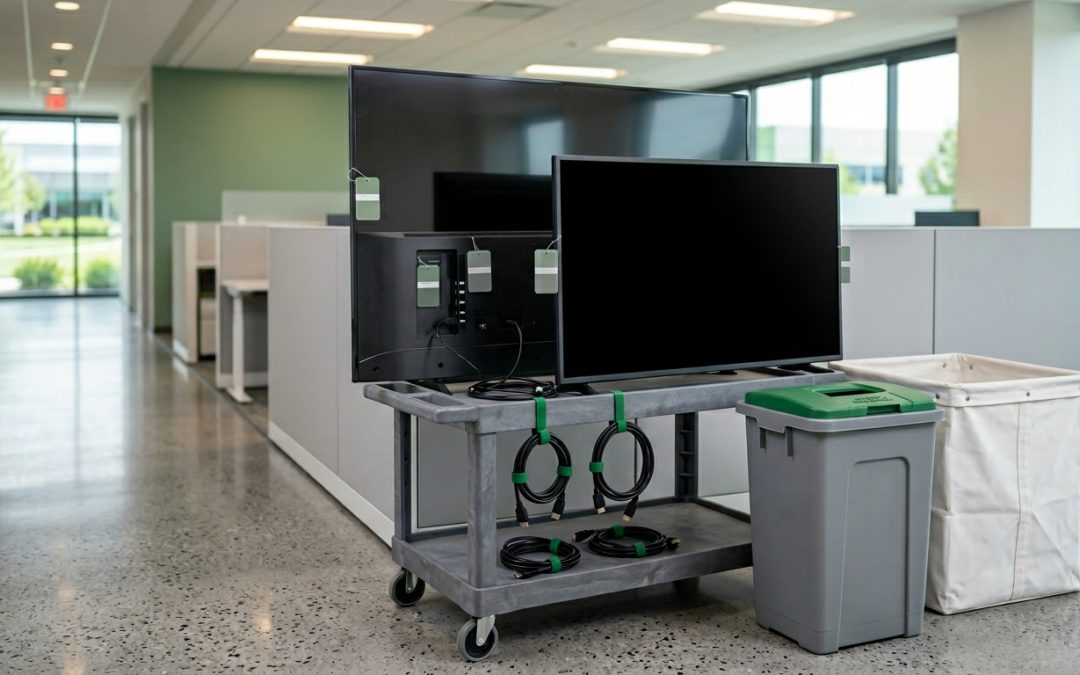
The Data Hiding in Your Display Screens
Smart TVs and interactive displays have become common in corporate meeting rooms, lobbies, retail environments, and hospitality settings. These are not passive screens. They are networked computers running full operating systems, connected to the internet, and capable of storing significant amounts of data. When these devices are replaced or disposed of, the data they contain is rarely considered as part of the organisation’s data destruction process.
What Smart TVs and Displays Store
Modern smart TVs and commercial displays run operating systems such as Android TV, webOS, Tizen, or proprietary platforms. These operating systems maintain data stores that can include Wi-Fi network names and passwords, streaming service login credentials, browsing history from built-in web browsers, downloaded applications and their associated data, Bluetooth pairing information for connected devices, screen mirroring and casting history, USB device connection logs, and voice assistant recordings (on devices with microphones).
In corporate environments, additional data may be present. Digital signage platforms may store content management credentials and scheduled content. Video conferencing displays may cache meeting details, contact lists, and calendar integrations. Interactive whiteboards may store captured whiteboard sessions and shared documents. Presentation displays may cache previously displayed content from USB drives or wireless casting.
Corporate Meeting Room Displays
Meeting room displays connected to platforms like Microsoft Teams Rooms, Zoom Rooms, or Cisco Webex present particular data concerns. These devices are typically signed into the organisation’s collaboration platform with a room account that has access to the corporate directory, meeting calendars, and potentially shared files.
The display or its connected compute module may store cached meeting recordings or transcripts, contact lists and address book data, calendar entries with meeting details and attendee information, authentication tokens for cloud services, and network configuration including corporate Wi-Fi credentials and proxy settings.
If the meeting room system uses a separate compute unit (such as an Intel NUC or similar device), that unit is a full computer with its own storage and must be treated accordingly during disposal.
Digital Signage Displays
Commercial displays used for digital signage typically run signage software that connects to a content management server. These displays may store login credentials for the signage platform, cached content (images, videos, web pages), scheduled playlists and programming data, and network configuration for connecting to the content management system.
In retail environments, signage displays may be connected to customer analytics systems that track foot traffic, dwell time, or demographic information through built-in cameras or sensors. This data may be cached locally on the display before being transmitted to a central server.
Hospitality and Healthcare Displays
Smart TVs in hotels may retain guest data from in-room entertainment systems, including login credentials for streaming services that guests signed into and forgot to sign out of, browsing history from the TV’s web browser, and room service or guest service interaction logs.
In healthcare settings, displays used for patient information, wayfinding, or entertainment may have been connected to hospital information systems and may contain cached patient data or network credentials that provide access to clinical systems.
How to Sanitise Smart TVs and Displays
Factory reset: Most smart TVs and commercial displays offer a factory reset option in their settings menu. This resets the device to its original configuration, clearing user accounts, Wi-Fi credentials, installed apps, and cached data. The location and procedure for factory reset varies by manufacturer and platform.
For Samsung Tizen TVs, the option is typically under Settings, General, Reset. For LG webOS TVs, look under Settings, General, Reset to Initial Settings. For Android TV devices, navigate to Settings, Device Preferences, Reset. Commercial displays from manufacturers like Samsung, LG, and NEC have similar reset options in their service menus.
Account sign-out: Before performing a factory reset, sign out of all accounts on the device, including streaming services (Netflix, Stan, Disney+), Google or Apple accounts, and any corporate accounts. While a factory reset should clear these, explicitly signing out first ensures that the device is deregistered from the account, preventing it from being used to access the account after disposal.
External compute modules: If the display system includes a separate compute unit, that unit must be sanitised independently. Remove any storage drives and sanitise them using NIST 800-88 compliant methods, or physically destroy the entire compute module.
Physical destruction: For displays that contained particularly sensitive data, or for devices that cannot be accessed for a software-based reset (due to damage or being locked out of the management interface), physical destruction of the device ensures that embedded storage is eliminated along with the display.
Prevention Measures
Several steps can reduce the data risk associated with smart displays throughout their operational life. Use guest modes or limited-access profiles where available, rather than signing in with full corporate or personal accounts. Avoid entering sensitive credentials directly on display devices. Use casting or wireless presentation systems that do not cache content on the display itself. Configure digital signage to pull content from the server at display time rather than caching it locally.
As screens get smarter, the data they store gets more sensitive. Treating smart displays as data-bearing IT assets, not just AV equipment, closes a disposal gap that many organisations do not realise they have.
EWV helps Victorian businesses manage e-waste and IT asset disposal compliantly and sustainably — including collection, certified data destruction, and recycling. Contact us for a free quote.