
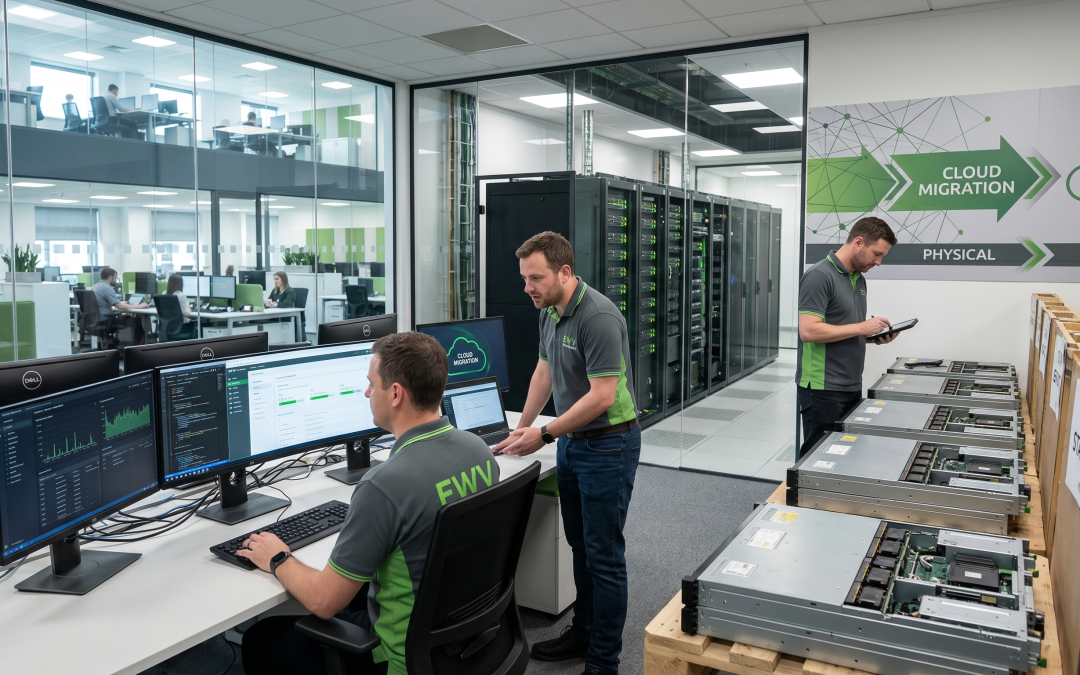
Cloud migration is one of the most common technology transitions happening in Australian organisations right now. Moving applications, data, and workloads from on-premises infrastructure to cloud platforms delivers clear benefits in flexibility, scalability, and cost structure. But it also creates a very practical question: what do you do with all the servers, storage arrays, networking equipment, and supporting infrastructure that are no longer needed?
The Hardware Left Behind
A typical cloud migration project retires a substantial amount of physical infrastructure. Rack-mounted servers that hosted applications and databases are the most obvious category. Storage arrays, SAN switches, and backup appliances that held data are also rendered redundant. Network infrastructure including switches, routers, firewalls, and load balancers may be partially or fully decommissioned. Supporting systems like UPS units, PDUs, KVM switches, and environmental monitoring equipment become unnecessary. And in some cases, the entire physical server room or data centre lease may end.
The volume and value of this equipment varies enormously depending on the scale of the migration and the age of the infrastructure. Recent-generation servers and storage can have meaningful resale value. Older equipment may be worth very little but still requires proper handling.
Timing the Decommissioning
One of the trickiest aspects of cloud migration ITAD is timing. You cannot dispose of on-premises equipment until you are confident the cloud migration is complete and stable. Most migration methodologies include a parallel running phase where both environments operate simultaneously, providing a fallback if issues arise.
This creates a window where equipment is physically present and consuming space, power, and maintenance attention but is not being actively used. The temptation to keep equipment “just in case” can extend this period indefinitely. Set clear criteria for when parallel running ends and decommissioning begins. These criteria should be based on measurable factors like successful data migration verification, application performance meeting defined benchmarks in the cloud environment, disaster recovery testing confirming the cloud setup works independently, and stakeholder sign-off that the migration is complete.
Once these criteria are met, move promptly to decommission and process the retired hardware.
Data Security Priorities
On-premises servers and storage systems are among the highest-risk devices in any disposal project. They typically contain large volumes of data, potentially including customer databases, financial systems, email archives, and business-critical applications. Even after data has been migrated to the cloud, the physical devices retain complete copies of that data until properly sanitised.
The data destruction approach should match the sensitivity of the data involved. For standard business data, certified software-based sanitisation following NIST 800-88 standards provides appropriate assurance. For highly sensitive or regulated data, physical destruction of storage media may be warranted, particularly if the storage devices are older and potentially less reliable for software-based wiping.
Do not forget about the less obvious data repositories. Network equipment may contain configuration data, access credentials, and VPN settings. UPS management cards can store network access information. Even KVM switches may retain configuration data. A thorough decommissioning plan accounts for data on every connected device, not just the servers and storage.
Value Recovery from Data Centre Equipment
Data centre equipment can hold significant resale value, particularly if it is relatively recent. Enterprise servers from the last two to three generations, enterprise storage arrays, and core networking equipment from major brands all have active secondary markets.
Timing matters enormously for value recovery. Server generations turn over regularly, and each new release reduces the value of the previous generation. A server that was cutting-edge two years ago may still fetch a strong price. Wait another year and the value could drop significantly as the next generation reaches the secondary market.
Work with your ITAD provider to assess the potential value of your decommissioned infrastructure early in the migration planning process. This assessment can inform both the project budget and the decommissioning timeline.
Lease and Contract Considerations
Many organisations operate their data centre infrastructure under lease agreements. Cloud migration does not automatically end these leases, and early termination may trigger penalties. Review all equipment leases before planning your decommissioning timeline. In some cases, it may be more cost-effective to continue a lease to its natural end than to pay an early termination fee.
Similarly, review maintenance contracts, software licences, and co-location agreements. These may need to be cancelled or transferred as part of the migration process. Include these administrative tasks in your project plan alongside the physical decommissioning.
Environmental Handling
Data centre equipment contains materials requiring responsible handling. Server batteries, UPS batteries (often large lead-acid units), and any equipment containing mercury or other hazardous substances must be processed through appropriate channels. Under Victorian e-waste regulations, all electronic equipment is banned from landfill.
The upside is that data centre equipment is particularly rich in recoverable materials. Servers contain significant quantities of copper, aluminium, steel, and precious metals in circuit boards. Proper recycling recovers these materials for reuse, supporting circular economy objectives.
Planning the Full Decommissioning
A comprehensive decommissioning plan for cloud migration ITAD should cover the complete inventory of equipment to be retired, data migration verification procedures, data destruction requirements and methods for each equipment category, value recovery assessment and remarketing strategy, lease and contract review and termination, environmental handling requirements, logistics for equipment removal (including any structural or building access challenges), documentation and certification requirements, and timeline aligned with migration milestones. Getting this planning right ensures your cloud migration delivers its full benefits, including a clean, responsible conclusion for the hardware it replaces.
EWV handles IT asset disposition (ITAD) end-to-end for Victorian businesses — from collection and data destruction through to certified recycling or refurbishment for resale. Get in touch for a tailored ITAD quote.