
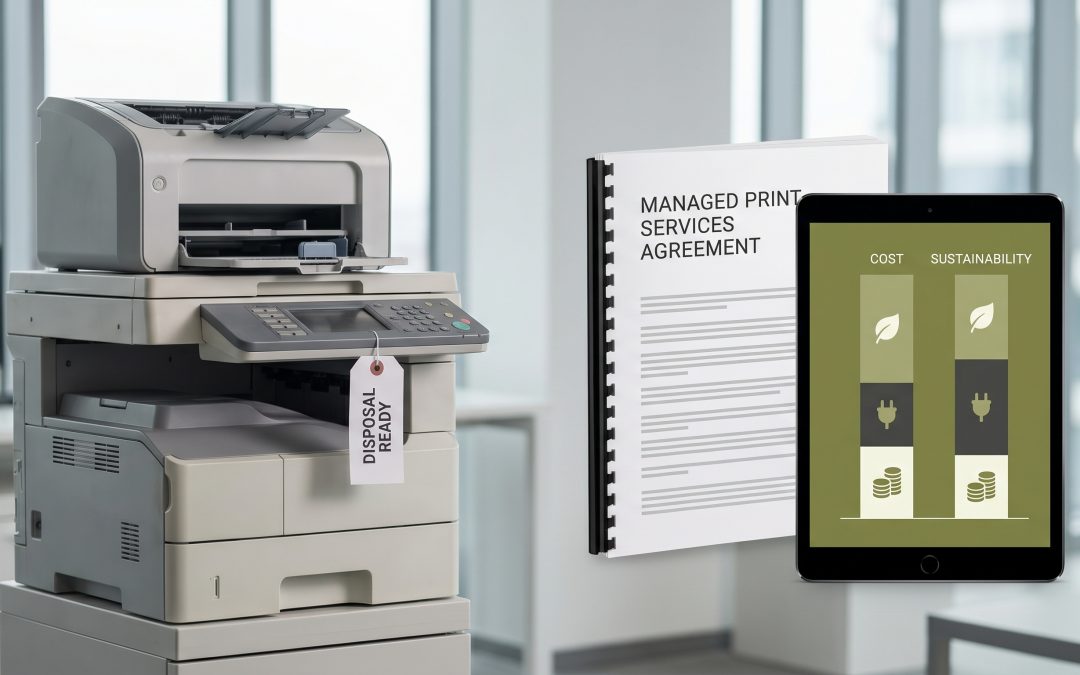
The way you acquire and manage your printing infrastructure directly affects how you handle it at end of life. Managed print services (MPS) and traditional own-and-dispose models create different ITAD obligations, data risks, and financial outcomes. Understanding these differences helps you manage the often-overlooked data security risk that printers represent.
The Hidden Data Risk in Printers
Before comparing models, it is worth emphasising why printer ITAD matters. Modern multifunction devices contain internal hard drives that store images of every document printed, copied, scanned, or faxed. In a business environment, this means the printer’s hard drive contains copies of contracts, financial reports, employee records, client correspondence, legal documents, and any other sensitive material that has been printed or scanned.
This data is subject to the same data destruction requirements as any other storage device. Yet printers are frequently overlooked in ITAD planning because people do not think of them as data storage devices. Whether you own your printers or use a managed service, the data on those hard drives needs to be addressed at end of life.
Managed Print Services Model
In an MPS arrangement, the print vendor owns the devices and manages them throughout their lifecycle. You pay per page or a monthly fee. At end of life, the vendor replaces the equipment and takes the old devices away.
ITAD implications: The vendor is responsible for the physical equipment at end of life. However, the data on the hard drive is your data, and you remain responsible for ensuring it is properly destroyed. Your MPS agreement should explicitly address data destruction requirements, including the standard to be met, who performs the destruction, and what documentation you receive.
Review your MPS contract carefully. Some contracts include certified hard drive sanitisation or destruction as a standard service. Others are silent on data handling, which means the vendor may return devices to their remarketing pool with your data still on the hard drives. If your contract does not address data destruction, negotiate an amendment or arrange separate data destruction before the vendor collects the devices.
Own-and-Dispose Model
When you own your printers, you have complete control over their disposition. This means you choose the ITAD provider, set the data destruction standard, and manage the entire process.
ITAD implications: You are responsible for the full disposition process, including data destruction, environmental compliance, and logistics. This gives you control but requires you to include printers in your ITAD program explicitly. Many organisations’ ITAD programs focus on computers and servers while overlooking printers and copiers.
Ensure your ITAD provider understands how to handle printer hard drives. Some printers use standard SATA drives that can be removed and processed like any other hard drive. Others have proprietary storage that requires manufacturer-specific handling. Your provider should be able to identify the storage type and apply appropriate destruction.
Comparing the Models
From a pure ITAD perspective, the own-and-dispose model gives you more control over data destruction. You choose the provider, set the standard, and receive documentation directly. The MPS model offers convenience but requires you to trust the vendor’s data handling practices, which may not meet your organisation’s requirements unless specifically contracted.
The financial comparison is straightforward: MPS moves ITAD costs into the service fee (if data destruction is included), while own-and-dispose requires you to budget separately for printer ITAD. Either way, the cost of proper data destruction for printers is modest relative to the risk of leaving printer hard drives intact.
EWV helps Victorian businesses manage e-waste and IT asset disposal compliantly and sustainably — including collection, certified data destruction, and recycling. Contact us for a free quote.