
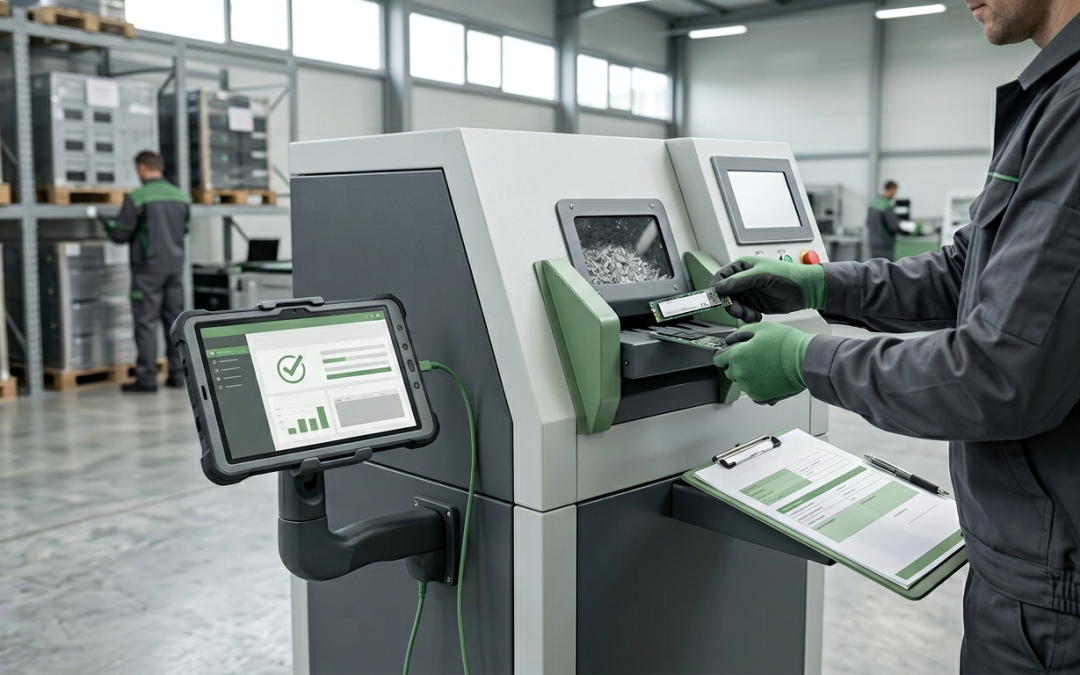
Why NVMe Drives Require a Different Approach
NVMe (Non-Volatile Memory Express) drives have become the standard for high-performance storage in modern laptops, workstations, and servers. Built on the PCIe (Peripheral Component Interconnect Express) bus rather than the older SATA interface, NVMe drives offer dramatically faster read and write speeds. But this different interface also means that the sanitisation commands and tools designed for SATA drives do not always work on NVMe drives.
Understanding the specific requirements for NVMe data destruction is essential for organisations that have deployed these drives across their IT fleet.
How NVMe Differs from SATA at the Interface Level
Traditional SATA SSDs communicate with the host system using the AHCI (Advanced Host Controller Interface) protocol, which supports the ATA command set. This command set includes the ATA Secure Erase and Enhanced Secure Erase commands that many data destruction tools rely on for SSD sanitisation.
NVMe drives communicate using a completely different protocol designed specifically for flash storage. They do not support ATA commands at all. This means that any wiping tool that relies solely on ATA Secure Erase commands will either fail silently, report an error, or not detect the NVMe drive at all.
This incompatibility is one of the most common pitfalls in modern data destruction. Organisations that have validated their wiping processes using SATA drives must re-validate when NVMe drives enter their fleet.
NVMe Sanitize Command
The NVMe specification includes a dedicated Sanitize command that provides standardised, firmware-level data destruction. The Sanitize command supports three operations: Block Erase, which erases all user data blocks using a flash-level block erase operation; Crypto Erase, which changes the encryption key used for user data, rendering all previously written data cryptographically inaccessible; and Overwrite, which writes a fixed data pattern across all user data areas.
The NVMe Sanitize command is generally preferred over the older NVMe Format command for data destruction because it provides more comprehensive sanitisation. The Sanitize command is designed to reach all user data areas, including those in over-provisioned space, which may not be fully addressed by other methods.
Not all NVMe drives support all three Sanitize operations. The drive’s capabilities can be queried through the NVMe Identify Controller data structure, which reports which sanitise operations are supported. Wiping tools should check these capabilities before attempting sanitisation.
NVMe Format Command
The NVMe Format NVM command is another option for data destruction. This command reformats the drive’s namespace (logical storage areas) and can optionally perform a User Data Erase or Cryptographic Erase as part of the format operation.
The Format command is supported on most NVMe drives, but its scope and effectiveness can vary between manufacturers. Some implementations may not reach all physical storage locations, particularly over-provisioned areas. For this reason, the Sanitize command is generally considered more thorough when it is available.
For NIST 800-88 compliance, the NVMe Sanitize command with Block Erase or Crypto Erase is typically mapped to the Purge level, while the Format command with User Data Erase may be considered Clear level depending on the implementation.
Cryptographic Erasure on NVMe
Many modern NVMe drives support self-encrypting drive (SED) functionality, often conforming to the TCG Opal 2.0 specification. When hardware encryption is active, all data written to the drive is encrypted with a media encryption key (MEK) stored within the drive’s controller.
Cryptographic erasure works by destroying or replacing this encryption key. Without the correct key, the encrypted data on the NAND flash is computationally infeasible to decrypt. This method is extremely fast, often completing in under a second, and is effective regardless of drive capacity.
The effectiveness of cryptographic erasure depends on the quality of the encryption implementation. Drives that properly implement AES-256 encryption with secure key management provide strong assurance. However, research has identified flaws in some manufacturers’ SED implementations, so organisations should verify that their specific drive models have been validated.
Tool Compatibility Considerations
When selecting a data destruction tool for NVMe drives, verify that the tool explicitly supports NVMe drives and the NVMe command set. It can issue NVMe Sanitize and Format commands natively, not through SATA translation layers. It can detect and report NVMe drives separately from SATA drives. It can query the drive’s supported sanitise capabilities. It provides verification and certification specific to NVMe operations.
Bootable USB-based wiping tools are commonly used for drive sanitisation, but not all bootable environments include NVMe drivers. Some older Linux-based wiping tools may not detect NVMe drives at all. Ensure your tool uses a kernel and driver set that supports the NVMe controllers in your hardware fleet.
M.2 Form Factor Confusion
A common source of confusion is the M.2 form factor, which can host both SATA and NVMe drives. An M.2 drive is not necessarily NVMe, as M.2 SATA drives also exist and use the ATA command set. The form factor does not determine the interface protocol.
Wiping tools and operators must identify whether an M.2 drive is SATA or NVMe before selecting the appropriate sanitisation method. Using ATA commands on an NVMe drive will fail, and the reverse is also true. Most modern wiping tools can automatically detect the interface type, but this should be verified during process validation.
Enterprise NVMe Considerations
Enterprise NVMe drives, particularly those in U.2 or EDSFF form factors used in data centre servers, may have additional considerations. Some enterprise drives support multiple namespaces, each of which may need to be individually addressed during sanitisation. Others may have persistent memory regions (PMR) that require separate handling.
Enterprise drives may also support namespace-level sanitisation, allowing individual namespaces to be sanitised without affecting others on the same drive. This can be useful in multi-tenant environments but adds complexity to the destruction process.
NVMe drives are now the default in most new computing hardware. Organisations that have not updated their data destruction processes for NVMe risk gaps in their sanitisation coverage. For guidance on integrating NVMe-specific procedures into your disposal workflow, see our guide to building an IT asset disposal policy.
EWV helps Victorian businesses manage e-waste and IT asset disposal compliantly and sustainably — including collection, certified data destruction, and recycling. Contact us for a free quote.