
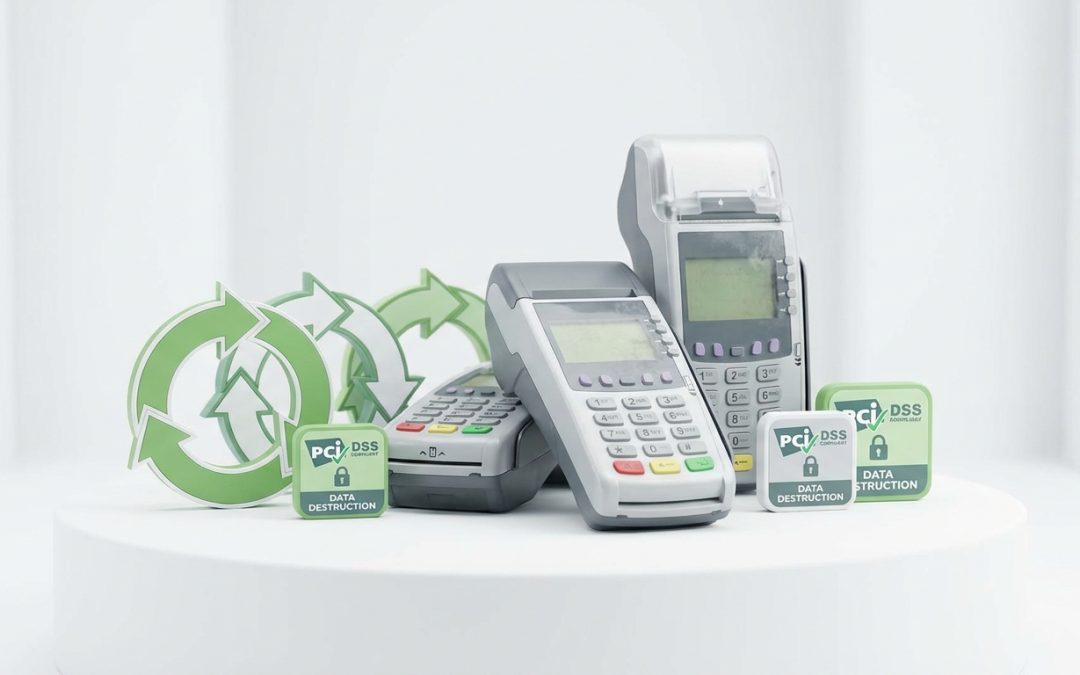
EFTPOS terminals are some of the most security-sensitive devices that businesses dispose of, yet many end up in bins, back rooms, or forgotten storage without any thought to data destruction or proper recycling. Given that these devices process payment card data and connect to financial networks, getting disposal right is not just good practice, it is a compliance obligation.
Why EFTPOS Terminal Disposal Matters
An EFTPOS terminal is a specialised computer designed to handle financial transactions. Depending on the model and configuration, it may store or have access to encryption keys used in transaction processing, merchant account configuration data, Wi-Fi and network credentials, transaction logs (which may include partial card numbers), software certificates and security tokens, and PIN entry device (PED) tamper detection configurations.
The payment card industry takes terminal security extremely seriously. PCI DSS (Payment Card Industry Data Security Standard) includes specific requirements around the decommissioning of payment terminals, and payment networks (Visa, Mastercard, eftpos) have their own rules about how terminals must be handled at end of life.
Leased vs Owned Terminals
The vast majority of EFTPOS terminals in Australia are leased from payment providers (banks, Tyro, Square, Zeller, etc.). If your terminal is leased, you typically need to return it to the provider when you cancel the service or upgrade. The provider handles secure decommissioning.
Before returning a leased terminal: Contact your provider for return instructions. Some require you to mail it back in a provided satchel, others arrange collection. Ensure you cancel the service formally to avoid ongoing charges. Remove any stickers or labels you have added that might contain business information.
If you own the terminal outright (less common, but possible with some providers and mobile payment solutions), you are responsible for secure disposal. Do not simply throw it in the bin.
How to Decommission an EFTPOS Terminal
Step 1: Cancel the Payment Service
Contact your payment provider and formally cancel the terminal. This ensures the terminal is deregistered from the payment network and can no longer process transactions. The provider will also revoke the terminal’s encryption keys.
Step 2: Factory Reset
Perform a factory reset on the terminal to clear stored data. The process varies by manufacturer. For Ingenico devices, access the technician menu. For Verifone devices, use the admin password to access the reset function. For PAX and other brands, check the installation guide. If you cannot access the reset function (some terminals lock out non-technician access), your payment provider can guide you through the process or handle it upon return.
Step 3: Physical Disposal or Return
Return leased terminals to the provider. For owned terminals, use a professional data destruction or ITAD service that has experience with payment devices. The terminal should be physically destroyed (shredded) to ensure that the hardware security module (HSM) and any stored cryptographic material cannot be extracted.
Mobile and Tablet-Based Payment Terminals
Modern payment solutions like Square, Zeller, and various mPOS (mobile point of sale) systems use a combination of a card reader device and a smartphone or tablet running the payment app. Disposal involves handling both components.
The card reader (the small device that reads the card) contains a secure element, NFC antenna, magnetic stripe reader, and chip card reader. These should be returned to the provider or securely destroyed.
The tablet or smartphone running the payment app may store merchant account data, transaction history, customer information, and Wi-Fi credentials. Factory reset the device and deregister it from your payment platform before disposal. Treat it with the same care as any data-bearing mobile device.
Recycling the Hardware
EFTPOS terminals contain standard electronic components: a touchscreen or keypad, a circuit board with a secure processor, a thermal receipt printer mechanism (in most models), a magnetic stripe reader, an NFC antenna, a chip card reader, a rechargeable battery (in portable models), and a plastic housing.
After proper decommissioning (factory reset or provider-managed deactivation), the hardware can be recycled through professional e-waste channels. The receipt printer mechanism, circuit boards, and batteries are all recyclable.
Do not use council e-waste drop-off points for EFTPOS terminals unless you have confirmed they have been fully decommissioned. An active or partially decommissioned terminal in a public recycling bin could pose a security risk.
Receipt Paper Rolls
While you are at it, a note on the thermal receipt paper that EFTPOS terminals use. Most thermal receipt paper is coated with BPA (Bisphenol A) or BPS, which means it should not go in your paper recycling stream. Thermal paper contaminates recycled paper products. Used receipt paper should go in general waste, not paper recycling.
Some providers now offer BPA-free thermal paper, and digital receipt options are becoming more common. Switching to digital receipts where possible reduces both paper waste and the BPA contamination issue.
For more on secure disposal of payment and business equipment, see our guide to data breach prevention through proper IT asset disposal.
EWV helps Victorian businesses manage e-waste and IT asset disposal compliantly and sustainably — including collection, certified data destruction, and recycling. Contact us for a free quote.