
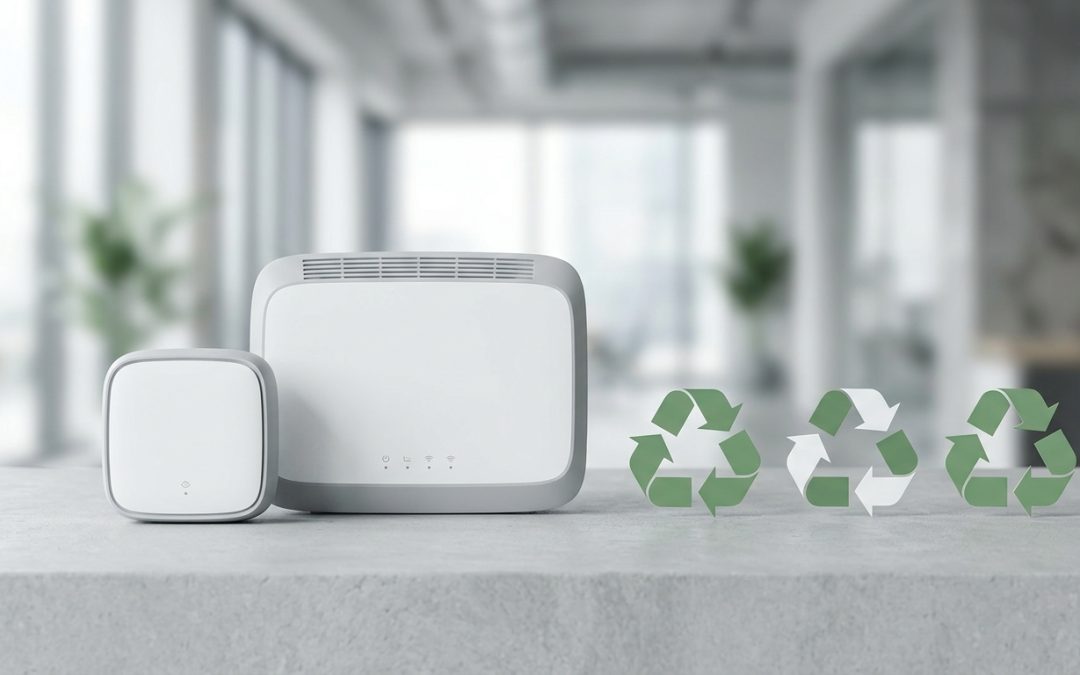
That Old Router in the Drawer
Almost every Australian household has at least one old WiFi router sitting in a drawer or on a shelf somewhere. When your internet provider sends a new one, or you upgrade to a mesh system, the old unit gets unplugged and forgotten. Eventually, most people end up with a small collection of retired networking equipment: old routers, modems, range extenders, mesh nodes, and a tangle of ethernet cables.
These devices are all e-waste and shouldn’t go in your bins. But before recycling, there’s an important step that many people miss: clearing the device’s stored data.
Why Data Matters on a Router
A WiFi router stores more sensitive information than most people realise:
Your WiFi password. If you use the same password for your new router (many people do), anyone who accesses the old router’s configuration can obtain your current WiFi password.
Admin credentials. If you set a custom admin password, it’s stored on the router. Combined with knowledge of your network, this could provide access to your network settings.
Network configuration. Port forwarding rules, DHCP reservations, and other settings can reveal information about devices on your network and how your home network is structured.
Connected device history. Some routers log the MAC addresses and names of devices that have connected, providing a record of devices in your household.
ISP account details. If you configured the router manually (rather than using automatic setup), your ISP username and sometimes password may be stored in the configuration.
Factory Reset Your Router
Every router has a reset button, usually a small recessed button on the back or bottom of the unit. The process is straightforward:
Step 1: Ensure the router is powered on (plugged in and lights are active).
Step 2: Locate the reset button. It’s typically labelled “Reset” or “Restore” and may require a paperclip or pin to press.
Step 3: Press and hold the button for 10-30 seconds (duration varies by model, but 15 seconds works for most). The router’s lights will flash or change pattern, indicating the reset is in progress.
Step 4: Release the button and wait for the router to restart. Once it boots to its default state (which may take 1-2 minutes), all custom configuration including passwords, network names, and stored data has been cleared.
This takes less than two minutes and eliminates the data security risk from the device.
Can You Sell or Reuse an Old Router?
Depending on its age and capabilities, your old router may have a second life:
ISP-supplied modems/routers are often locked to that provider’s service and have limited resale value. Some can be returned to the ISP (check their website for return programs). Others can be given to friends who use the same ISP.
Standalone routers that you purchased independently often have broader resale appeal. Higher-end models from brands like ASUS, Netgear, TP-Link, and Ubiquiti hold value in the second-hand market, particularly if they support current WiFi standards.
Repurposing options: An old router can often be reconfigured as a WiFi access point to extend coverage in another part of your home, as a wired network switch, or as a dedicated guest network for visitors. If you’re tech-savvy, some routers can run custom firmware (like OpenWrt) that adds capabilities beyond the original manufacturer’s software.
Mesh system nodes typically only work with other nodes of the same system. Individual nodes have limited standalone use but may have resale value to someone expanding an existing mesh system of the same brand and model.
Recycling When It’s Time
Once you’ve confirmed the router has no further use and has been factory reset, recycling options are the same as for any other small electronic device:
Council transfer stations and resource recovery centres accept routers as standard e-waste.
E-waste collection events run by councils accept networking equipment.
Retailer drop-off points at stores like Officeworks accept small electronics including routers.
Don’t forget the accessories. The power adapter, ethernet cables, phone cables (for ADSL modems), and any other accessories should go to e-waste recycling too. Ethernet cables contain copper and plastic that should be recycled, not landfilled. Power adapters contain transformers and circuit boards.
The Cable Drawer Problem
While you’re dealing with old routers, it’s a good time to tackle the cable drawer. Most households have a collection of mystery cables, old ethernet leads, phone cables, USB cables in various formats, and power adapters for devices long since forgotten. These are all e-waste containing copper, plastic, and sometimes electronic components.
Sort through them, keep anything you actually use, and take the rest to an e-waste collection point. Cables are one of the most common contamination problems at recycling facilities when they end up in the wrong bin, as they wrap around sorting equipment and cause costly shutdowns.
A quick session clearing out old networking equipment and cables is satisfying decluttering that also does the right thing environmentally. Factory reset, recycle, and reclaim that drawer space for something more useful.
How EWV Can Help
E-Waste Victoria (EWV) is a Melbourne-based, certified e-waste recycling and IT asset disposition provider serving commercial clients across Victoria. Our services include:
- Sustainability and ESG reporting with certified environmental outcomes
- Responsible e-waste collection and recycling aligned with AS/NZS 5377
- Our certified data destruction service supports your compliance obligations
- Request a free collection quote
Contact our team to discuss your e-waste and data destruction requirements.