
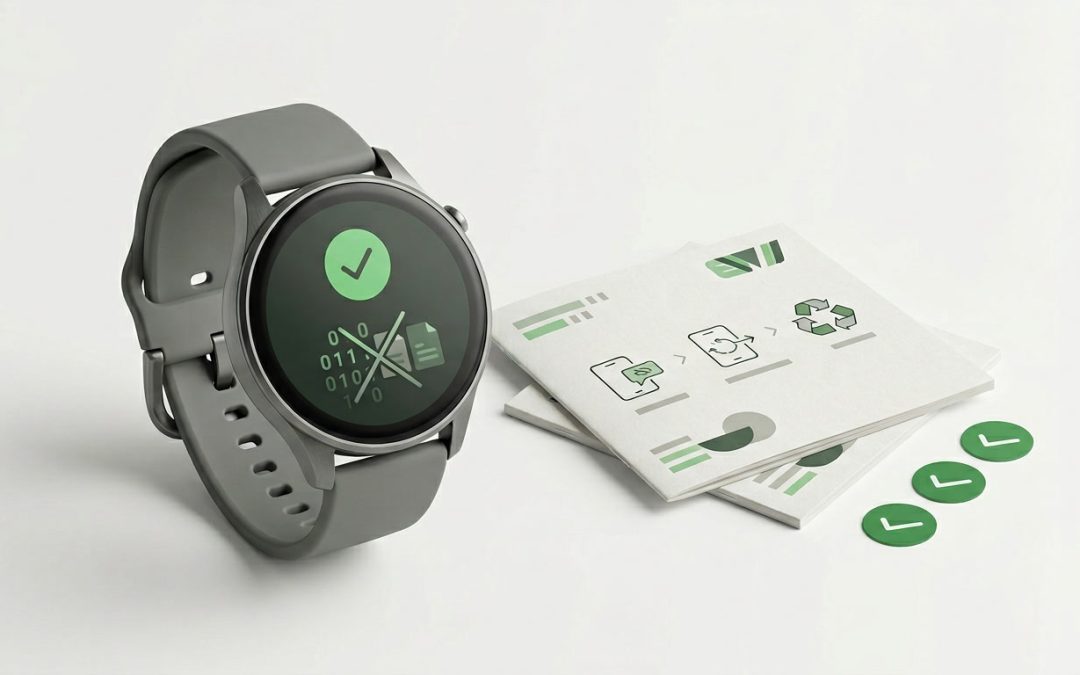
Your Smartwatch Knows More About You Than You Think
Smartwatches and fitness trackers collect some of the most intimate data of any consumer device. Heart rate patterns, sleep quality, exercise routes (complete with GPS coordinates), menstrual cycle data, blood oxygen levels, ECG readings, stress indicators, and even fall detection events. If your watch is paired with your phone, it may also hold message notifications, contact information, calendar entries, and payment credentials.
Before you sell, donate, or recycle an old smartwatch, removing all this personal data is essential. Unlike a laptop where you might have a few documents and photos, a smartwatch’s data creates a detailed picture of your physical health, daily routines, and locations over months or years. Here’s how to wipe it properly.
Apple Watch
Unpair from your iPhone first. This is the most important step because unpairing automatically erases the watch and removes the Activation Lock that would otherwise prevent someone else from using it. Open the Watch app on your iPhone, tap your watch, tap the info button, and select “Unpair Apple Watch.” Enter your Apple ID password when prompted.
If you no longer have access to the paired iPhone, you can erase the watch directly: go to Settings > General > Reset > Erase All Content and Settings on the watch itself. However, this method may not remove the Activation Lock, which means you’ll need to sign out of iCloud on the watch first or use Apple’s online tools to remove the lock.
After unpairing or erasing, the watch will restart to the “Hello” setup screen, confirming it’s been wiped. Verify that it doesn’t prompt for an Apple ID, which would indicate the Activation Lock is still active.
Samsung Galaxy Watch (Wear OS)
Remove your Samsung account from the watch. Go to Settings > Account and Backup > Accounts and remove your Samsung account. This removes Samsung Pay credentials and other account-linked data.
Perform a factory reset. Go to Settings > General > Reset > Factory Reset. The watch will erase all data including health records, notifications, apps, and settings. Once complete, it restarts to the initial setup screen.
Also disconnect from the Galaxy Wearable app on your phone to ensure the pairing is fully broken.
Google Pixel Watch and Other Wear OS Devices
Remove your Google account. Go to Settings > System > Disconnect & Reset. This signs out of your Google account and erases the watch simultaneously.
If you can’t access the settings menu, you can perform a hardware reset by holding the crown button for 10+ seconds until the watch restarts, then following the on-screen factory reset option during the boot sequence (exact method varies by model).
Fitbit Devices
For newer Fitbit devices (Sense, Versa series, Charge 5+): Go to Settings > About > Factory Reset on the device. This removes all personal data including exercise history, notifications, and Fitbit Pay credentials.
Also remove the device from your Fitbit account. Open the Fitbit app on your phone, go to your device settings, and select “Remove This [Device].” This ensures the device isn’t still associated with your account and allows the next owner to pair it with their own account.
For older Fitbit trackers without a screen menu (like the Inspire or Flex), perform a factory reset through the physical button combination specified in the device’s manual (usually a specific button press sequence while on the charger).
Garmin Devices
Garmin watches: Go to Settings > System > Reset and select “Delete Data and Reset Settings.” This removes all user data including activities, courses, personal records, and settings. Some Garmin models have separate options for resetting settings versus deleting all data, so make sure you choose the option that clears everything.
Remove from Garmin Connect. In the Garmin Connect app or website, go to your device settings and remove the device from your account. This breaks the sync link and allows the next user to register the device.
What About Health Data in the Cloud?
Wiping your smartwatch removes data from the device itself, but copies of your health data likely exist in cloud services: Apple Health, Google Fit, Samsung Health, Fitbit, Garmin Connect, or other platforms. The cloud data is separate from the device data and isn’t affected by a factory reset of the watch.
If you want to retain your health history, you don’t need to do anything extra. It remains in your cloud account after the watch is wiped. If you want to delete cloud health data as well (perhaps you’re closing an account), you’ll need to do that through the respective app or website’s privacy settings.
Devices That Won’t Power On
If your smartwatch is dead and won’t charge, the good news is that modern smartwatches encrypt their data. Without the correct credentials, the data on a dead watch is generally inaccessible to whoever receives it. However, if you’re concerned about data on a non-functional watch:
Remove your account remotely if the platform supports it. Apple’s Find My and Samsung’s SmartThings Find allow you to remotely erase devices.
For recycling purposes, inform the recycler that the device contains unwiped data. Reputable e-waste processors have procedures for handling data-bearing devices, including physical destruction of storage components when necessary.
Smartwatches may be small, but the data they hold is deeply personal. Taking five minutes to properly wipe your old watch before it changes hands protects some of the most sensitive information you generate daily. It’s a quick step that’s worth getting right.
How EWV Can Help
E-Waste Victoria (EWV) is a Melbourne-based, certified e-waste recycling and IT asset disposition provider serving commercial clients across Victoria. Our services include:
- Our certified data destruction service meets NIST 800-88 Rev. 2 standards
- Secure data destruction for hard drives, SSDs, and mobile devices
- E-waste collection and recycling with full documentation
- Request a free collection quote
Contact our team to discuss your e-waste and data destruction requirements.