
What Makes Self-Encrypting Drives Different
Self-encrypting drives (SEDs) are storage devices that perform encryption and decryption at the hardware level, within the drive’s own controller. Unlike software-based encryption such as BitLocker or FileVault, which relies on the host system’s CPU to handle encryption operations, SEDs encrypt all data transparently as it is written to the media and decrypt it as it is read back.
This hardware-level encryption has implications for how data destruction should be approached, and understanding these implications is essential for organisations that deploy SEDs in their IT fleet.
How Self-Encrypting Drives Work
When an SED is manufactured, it generates a media encryption key (MEK) that is stored within the drive’s controller. From the first moment data is written to the drive, that data is encrypted using this key. The encryption is always active, even if the user has not configured any authentication or security features.
The authentication key (AK), sometimes called the data encryption key (DEK) wrapper, is what the user or administrator manages. When the user sets a password or configures the drive through a security protocol like TCG Opal 2.0, they are setting the authentication key that unlocks access to the MEK. The MEK itself never leaves the drive’s controller.
This two-layer key architecture is central to understanding SED data destruction. The data is encrypted with the MEK. The MEK is protected by the AK. Destroying either key renders the data inaccessible.
TCG Opal and Other Security Standards
The Trusted Computing Group (TCG) Opal specification is the most widely implemented security standard for SEDs. TCG Opal 2.0 defines how the drive’s security features are managed, including authentication, locking, and cryptographic erasure.
Other SED standards include TCG Enterprise (designed for data centre drives), IEEE 1667 (used by some Microsoft-compatible drives), and proprietary manufacturer implementations. The specific standard affects which management tools and commands are available for administering the drive’s security features.
For data destruction purposes, the most important feature across all these standards is the ability to perform a cryptographic erase, which destroys the MEK and generates a new one, instantly rendering all previously stored data unreadable.
Cryptographic Erase on SEDs
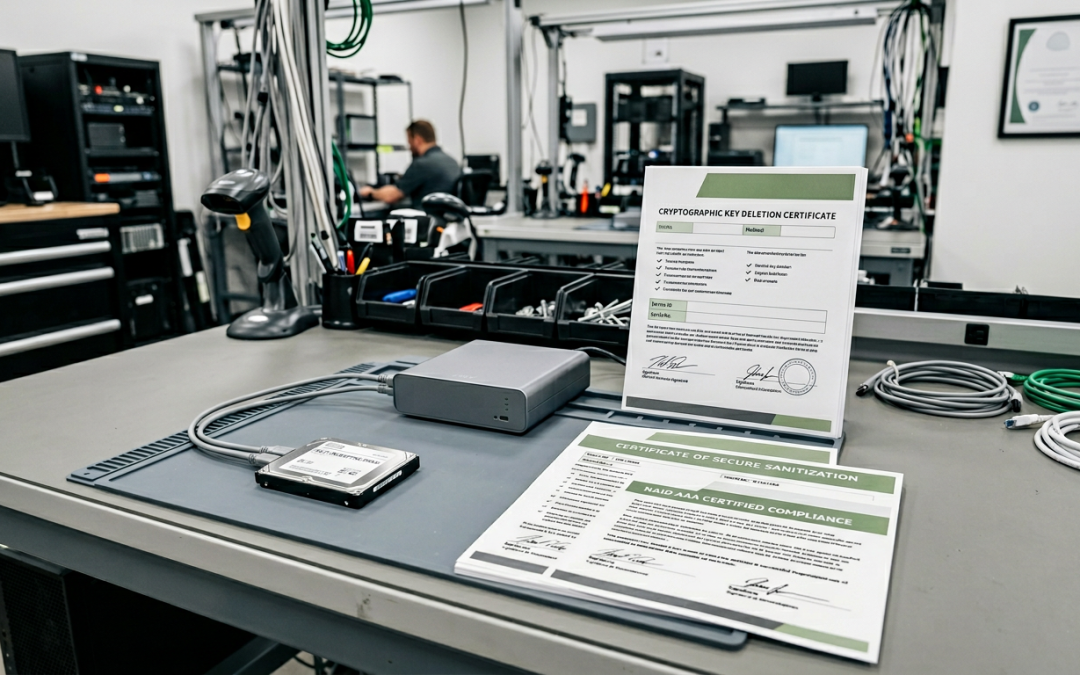
The cryptographic erase function on an SED works by instructing the drive’s controller to destroy the current MEK and generate a new random key. Because all data on the drive was encrypted with the old MEK, and that key no longer exists, the data is cryptographically inaccessible. The process is nearly instantaneous regardless of drive capacity, since it only involves key operations rather than overwriting the entire drive.
This is one of the primary advantages of SEDs for data destruction. A 4TB SED can be cryptographically erased in seconds, whereas a software overwrite of the same capacity could take many hours.
NIST 800-88 recognises cryptographic erasure as a valid Purge-level sanitisation method when the encryption meets specific criteria, including the use of a FIPS 140-2 validated cryptographic module.
Potential Vulnerabilities and Concerns
While the concept of SED cryptographic erasure is sound, several practical concerns deserve attention.
Implementation quality varies: In 2018, researchers at Radboud University analysed several popular SSD models with self-encryption capabilities and found significant implementation flaws. Some drives allowed the encryption to be bypassed entirely, while others used weak key derivation that undermined the security of the encryption. These findings highlighted that the presence of SED capability does not automatically guarantee strong encryption.
Firmware trust: Cryptographic erasure relies on the drive’s firmware correctly destroying the MEK. The user has no independent way to verify that the key was actually destroyed at the firmware level. If the firmware has a bug or if the drive’s controller retains a copy of the old key, the data may remain recoverable despite the erase operation reporting success.
Unactivated SEDs: If an SED’s security features were never activated (no authentication key was set), the MEK still exists and the data is still encrypted, but anyone with physical access to the drive can read the data freely because the drive unlocks automatically without authentication. Cryptographic erase is still available, but the organisation must be aware that the data was not protected during the drive’s operational life.
Key escrow and recovery: In enterprise environments, SED authentication keys may be managed through a central management console and backed up for recovery purposes. When performing cryptographic erase, ensure that all escrowed copies of the authentication key are also destroyed, as they could potentially be used to access the MEK if the erase operation did not complete as expected.
When Cryptographic Erase Is Sufficient
Cryptographic erasure of an SED is appropriate when the drive uses a well-validated encryption implementation from a reputable manufacturer, the security features were properly activated and managed throughout the drive’s operational life, the organisation has verified that the specific drive model and firmware version are not affected by known vulnerabilities, the compliance framework applicable to the data accepts cryptographic erasure as a valid sanitisation method, and all copies of authentication keys and recovery keys have been destroyed.
When Additional Measures Are Warranted
Additional measures beyond cryptographic erasure are warranted when the drive model has known or suspected encryption implementation weaknesses, the data sensitivity is very high (such as classified government information), regulatory or contractual requirements specify overwriting or physical destruction regardless of encryption, the SED’s security features were not activated during the drive’s operational life, or the organisation cannot verify the quality of the encryption implementation.
In these cases, follow cryptographic erasure with a software overwrite using the drive’s firmware-level sanitise commands, or use physical destruction for the highest assurance.
Self-encrypting drives represent a valuable tool in the data destruction toolkit, particularly for organisations that need to sanitise large numbers of drives quickly. The key is to use them with full awareness of their strengths and limitations.
EWV provides NIST 800-88 certified data destruction for Victorian businesses, covering software-based erasure and physical destruction with full chain-of-custody documentation. Request a quote to discuss your requirements.