
Why Spring Cleaning Should Include Your Electronics
Every year, Australians set aside time to declutter their homes. Wardrobes get sorted, garages get swept, and cupboards get reorganised. But the growing pile of old electronics tucked away in drawers, shelves, and storage boxes often gets overlooked. The average Australian household accumulates around 20 kilograms of e-waste per year, and much of it sits unused for years before anyone deals with it.
A dedicated tech spring clean is one of the most effective ways to reduce clutter, recover some value from old devices, and make sure hazardous materials don’t end up in landfill. Whether it’s a phone you upgraded from two years ago or a printer that’s been gathering dust, now is the time to sort it out.
Step 1: Gather Everything in One Place
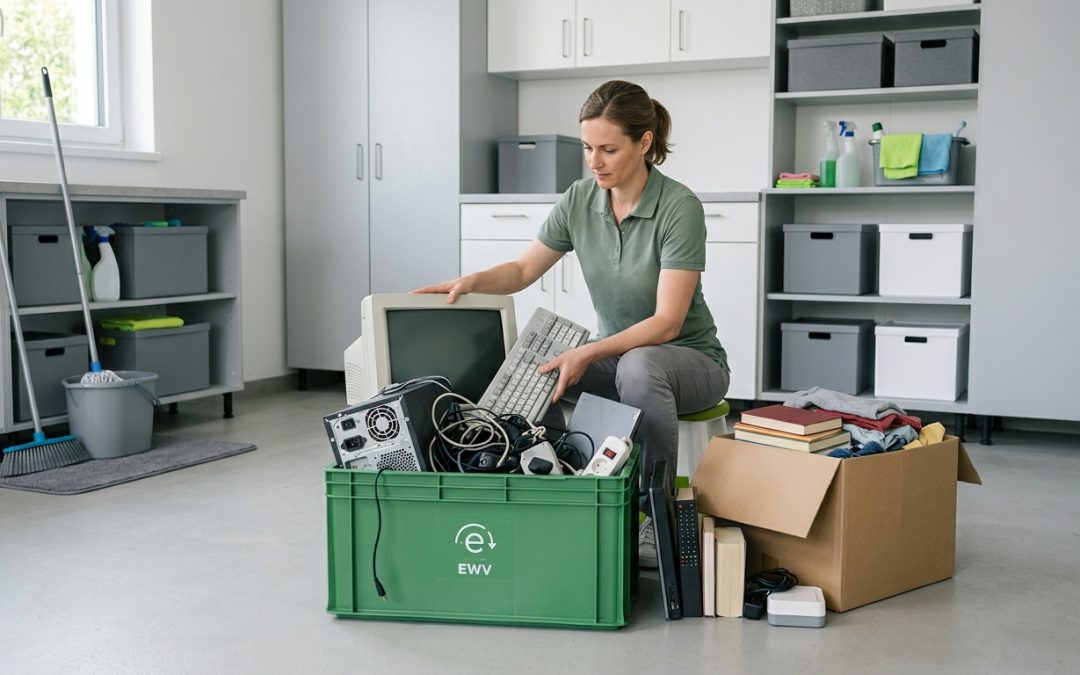
The first step is finding all of it. Electronics hide in every corner of a house, and you won’t get a clear picture until everything is in one spot. Go room by room and pull out anything electronic that you haven’t used in the past six months.
Common hiding spots include bedside table drawers (old phones, charging cables, earbuds), the home office (spare keyboards, mice, old hard drives), the kitchen (broken appliances, old scales, unused gadgets), the living room (remotes for TVs you no longer own, old gaming equipment), and the garage or shed (dead power tool batteries, old car chargers, obsolete electronics).
Don’t forget about cables and chargers. Most households have a “cable drawer” stuffed with chargers for devices they no longer own. If you can’t identify what a cable goes to, it’s almost certainly safe to recycle.
Step 2: Sort Into Categories
Once everything is gathered, sort it into four groups:
Still working and worth selling: Devices that function well and have resale value. Smartphones less than three years old, working laptops, tablets, and popular gaming consoles typically fall here.
Still working but not worth selling: Functional items with little resale value. These are good candidates for donation. Charities, community organisations, and school programs often accept working electronics.
Broken or obsolete, needs recycling: Anything that doesn’t work or is too old to be useful. This is your e-waste recycling pile.
Cables, batteries, and small accessories: These need specific disposal methods and shouldn’t be mixed with general recycling or rubbish.
Step 3: Wipe Your Data
Before anything leaves your house, whether you’re selling, donating, or recycling it, make sure your personal data is removed. This is the step people most commonly skip, and it can have serious consequences.
For smartphones and tablets, back up your data to the cloud or a computer, then perform a factory reset from the settings menu. Sign out of all accounts first, particularly Apple ID or Google accounts, to avoid locking the next user out.
For laptops and desktop computers, a simple factory reset isn’t enough. Data can often be recovered from formatted drives using freely available software. Use a proper disk wiping tool that overwrites the entire drive, ideally one that follows the NIST 800-88 standard for media sanitisation.
Don’t forget about less obvious devices. Printers store documents in memory. Smart speakers store voice recordings and Wi-Fi passwords. Even old routers retain network configuration data. Check manufacturer instructions for how to fully reset each device.
For a deeper dive into secure data removal, our guide to data destruction covers all the methods available.
Step 4: Sell What You Can
Working electronics in good condition can be worth more than you think. A quick search on Facebook Marketplace or Gumtree will show you what similar items are selling for in your area. Even older devices can fetch decent prices if they’re in working order.
Tips for selling electronics quickly: take clear, well-lit photos from multiple angles, include the model number and specifications in your listing, be honest about any cosmetic damage or issues, price competitively by checking what identical items have recently sold for, and respond to enquiries promptly.
If selling feels like too much effort for lower-value items, consider bundling them. A “home office bundle” with a monitor, keyboard, mouse, and cables might attract a buyer when the individual items wouldn’t.
Step 5: Donate What’s Still Useful
Functional electronics that aren’t worth selling can still have a second life. Many organisations across Australia accept donated electronics and refurbish them for people in need. This is the best environmental outcome after continued personal use, as it extends the useful life of the device and delays the need for recycling.
Before donating, confirm with the organisation that they accept the type of equipment you’re offering. Some only take certain categories of devices, and dropping off items they can’t use creates a burden rather than a benefit.
Always wipe your data before donating, even if the organisation says they’ll handle it. It’s your data and your responsibility.
Step 6: Recycle the Rest Properly
For everything that can’t be reused, proper recycling is the responsible path. E-waste contains both valuable recoverable materials and hazardous substances, so it needs specialist processing rather than general waste treatment.
Your recycling options include local council e-waste drop-off points and collection events, retailer take-back programs (many electronics retailers accept old devices), dedicated battery recycling through programs like B-cycle at supermarkets and hardware stores, and professional e-waste recycling services for larger quantities.
Some items need special attention. Batteries should be taped at the terminals before dropping them off to prevent short circuits. Old CRT monitors and televisions contain lead and require specialist handling. Toner and ink cartridges can be returned through manufacturer recycling programs.
For the full picture on recycling options in Australia, see our complete guide to e-waste recycling.
Making It a Habit
The best way to avoid an overwhelming e-waste pile is to deal with electronics as they become obsolete rather than stockpiling them. When you upgrade your phone, recycle or sell the old one that week. When an appliance breaks, take it to the recycling point on your next shopping trip.
Setting a calendar reminder for an annual tech spring clean keeps things manageable. A yearly sort-through takes an hour or two at most, compared to the half-day project it becomes when electronics accumulate for years.
- Gather all unused electronics in one place
- Sort into sell, donate, recycle, and special disposal categories
- Wipe personal data from every device
- List sellable items on marketplace platforms
- Contact charities about donating functional devices
- Take e-waste to a proper recycling point
- Dispose of batteries separately through dedicated programs
- Set a reminder to do this again next year
A clean house feels good. A clean conscience about where your old electronics ended up feels even better. For more on the environmental stakes, explore our article on the true environmental cost of electronic waste.
EWV helps Victorian businesses manage e-waste and IT asset disposal compliantly and sustainably — including collection, certified data destruction, and recycling. Contact us for a free quote.